

 Tina Aspiala
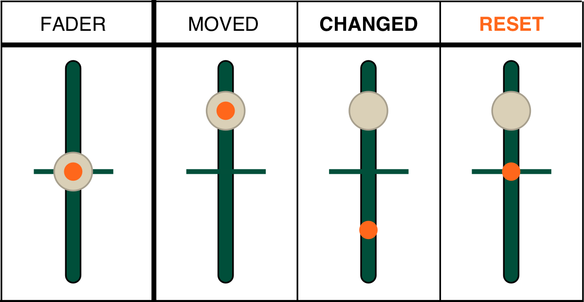
The fader on the EP series can be automated, which is great. But the manual isn't super clear on what happens when you hold ERASE and FADER (erase), or SHIFT and FADER (reset). Have some explanatory diagrams!
Erase
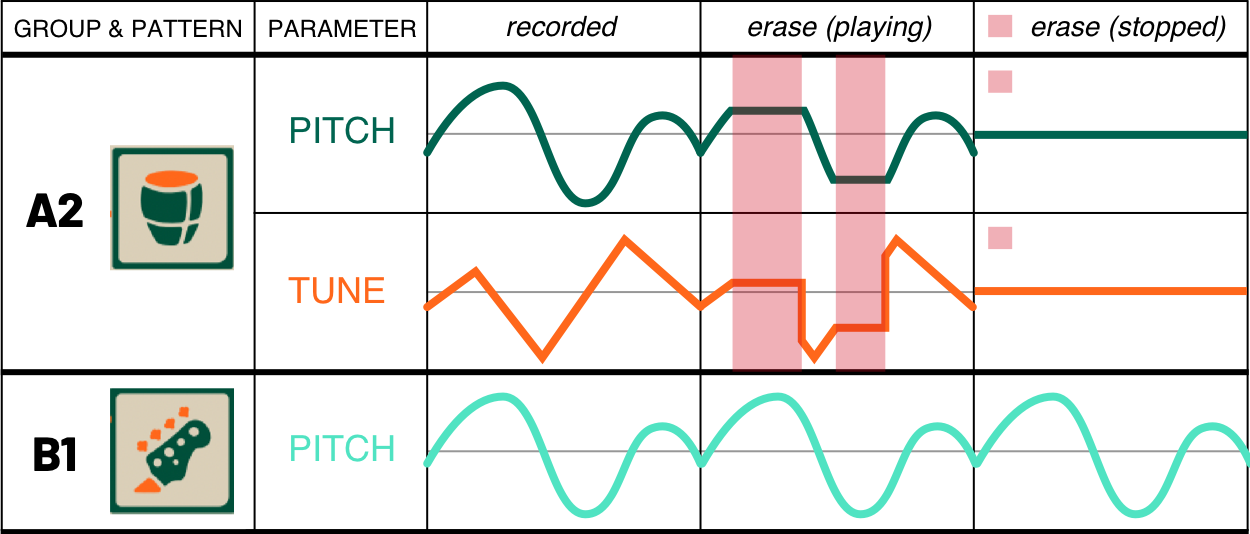
Erasing automation only affects the currently active group. You can also erase momentarily while play is active, which holds the automation at whatever level it was at when you initially pressed ERASE + FADER, and then goes back to the original automation when you let go.
If you erase while the track is stopped, it returns the automation to default.
Reset
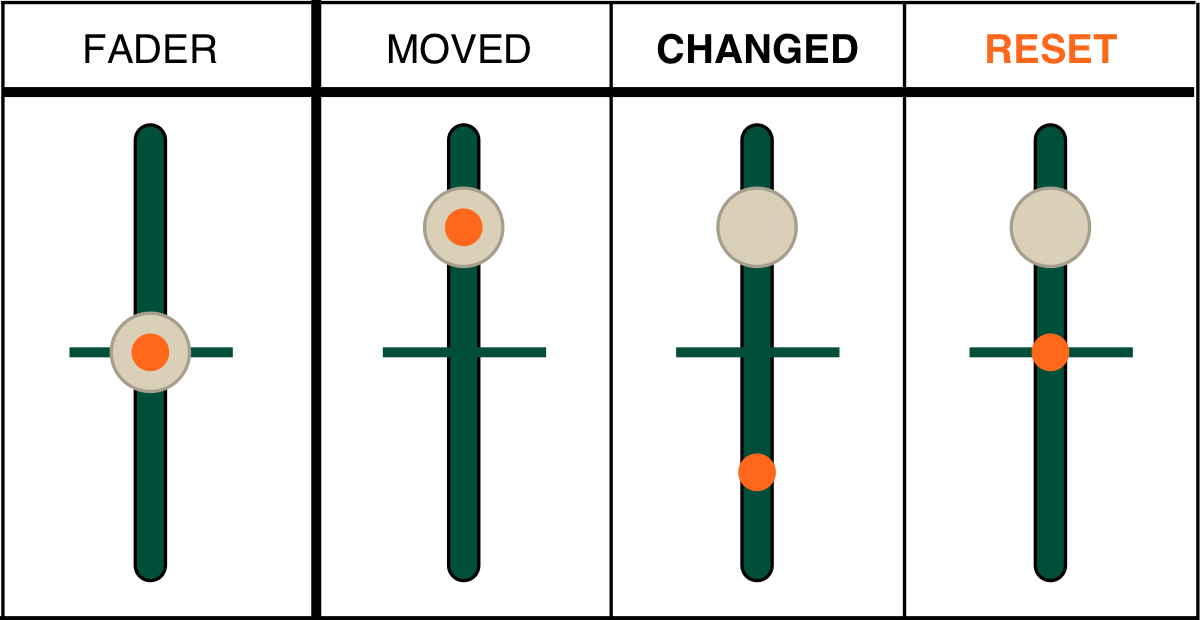
You only have one fader, but it affects a bunch of things, and it has no motor to move by itself. So how does it work as you switch groups and settings?
The fader maintains a virtual position. Let's say you have the fader moved physically to the top in group A.
Then you switch to group B, where you previously had the fader at the bottom. However, physically it's still at the top. If you move it, that will be its new position in group B.
However, if you want the virtual fader to go back to the default position for that parameter, you can do so with reset (SHIFT + FADER).
Hope that helps!
Want cheatsheets to stick on your TE devices? I made some:
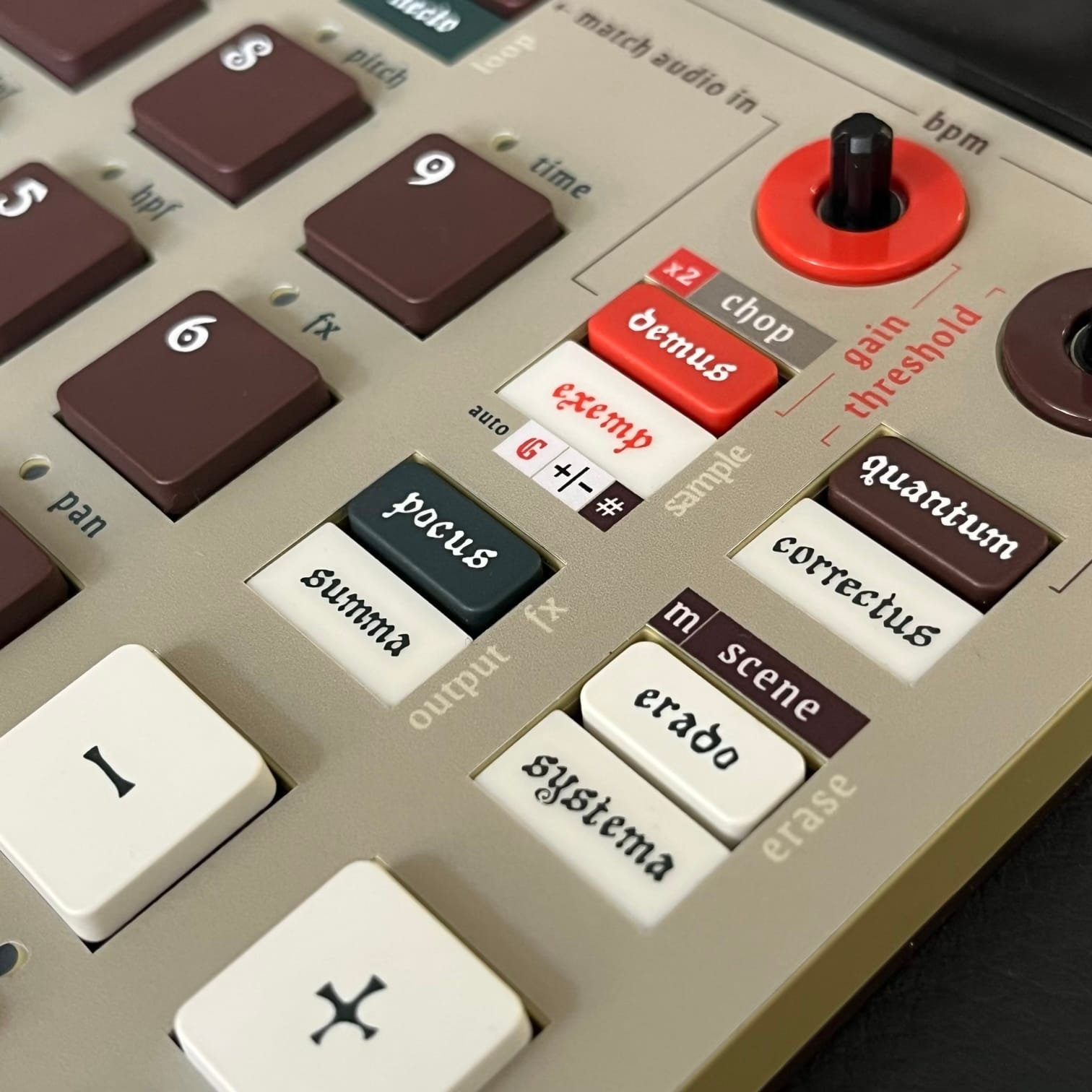

Overlays available at shop.spongefile.com